
Swipeclean
Swipe left. Free up space.
Coming to the Mac App Store. Requires macOS 15 or later.
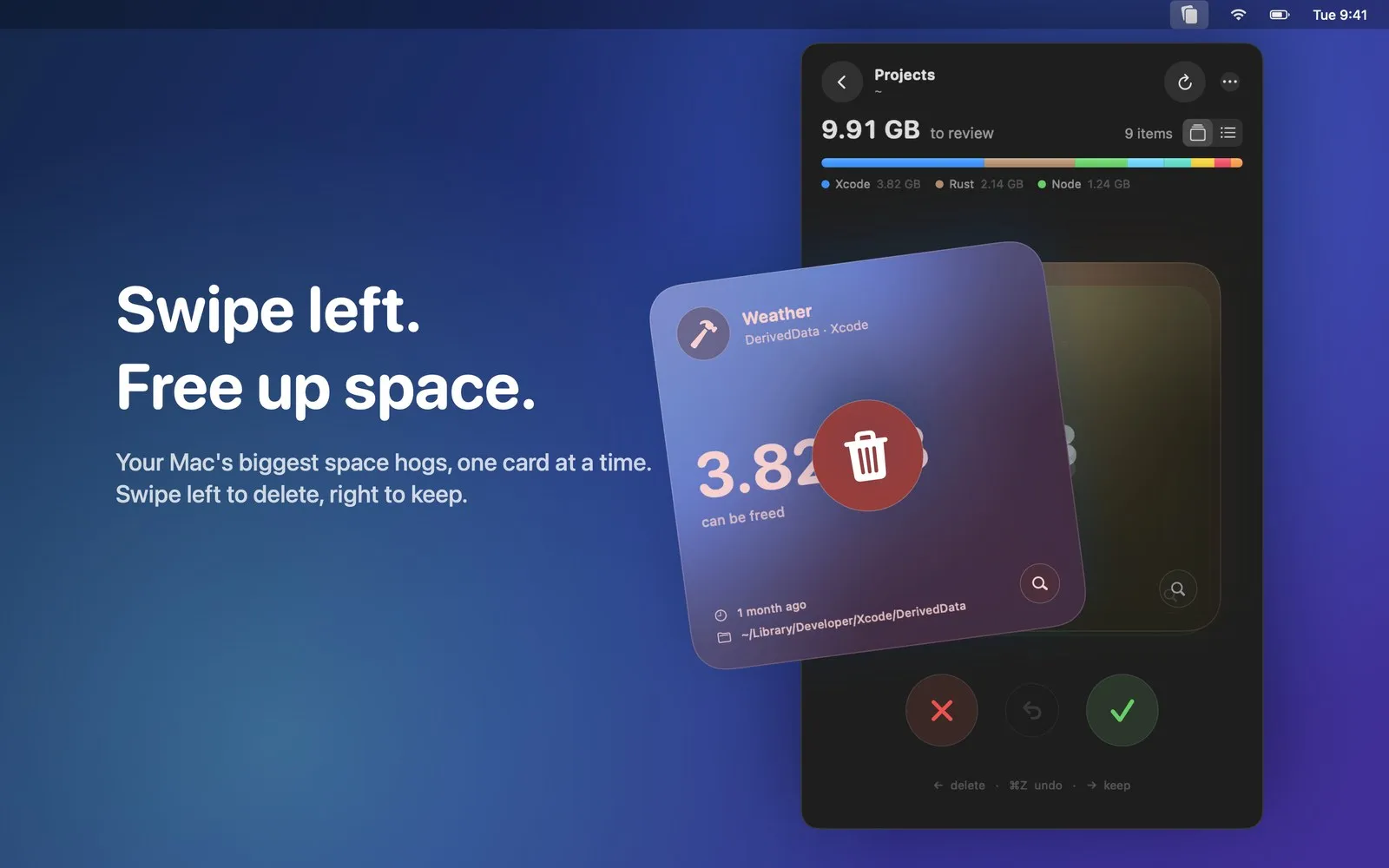
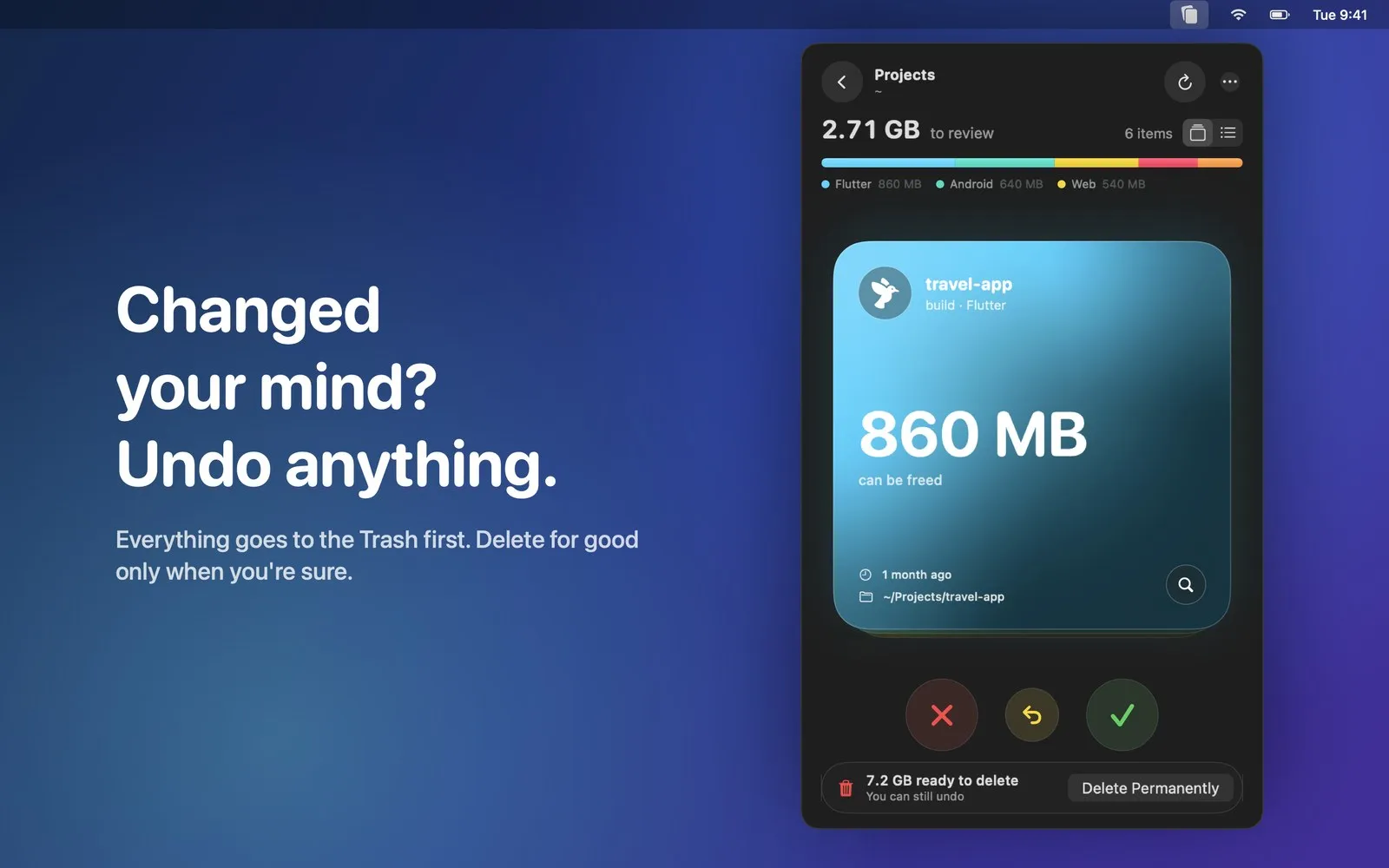
Your Mac is full again. Swipeclean finds what’s taking up the space and lets you clear it one card at a time: swipe left to delete, swipe right to keep. Everything goes to the Trash first, so you can always undo.
Highlights
Swipe to clean
Each item is a card: swipe left or press ← to move it to the Trash, right or → to keep it.
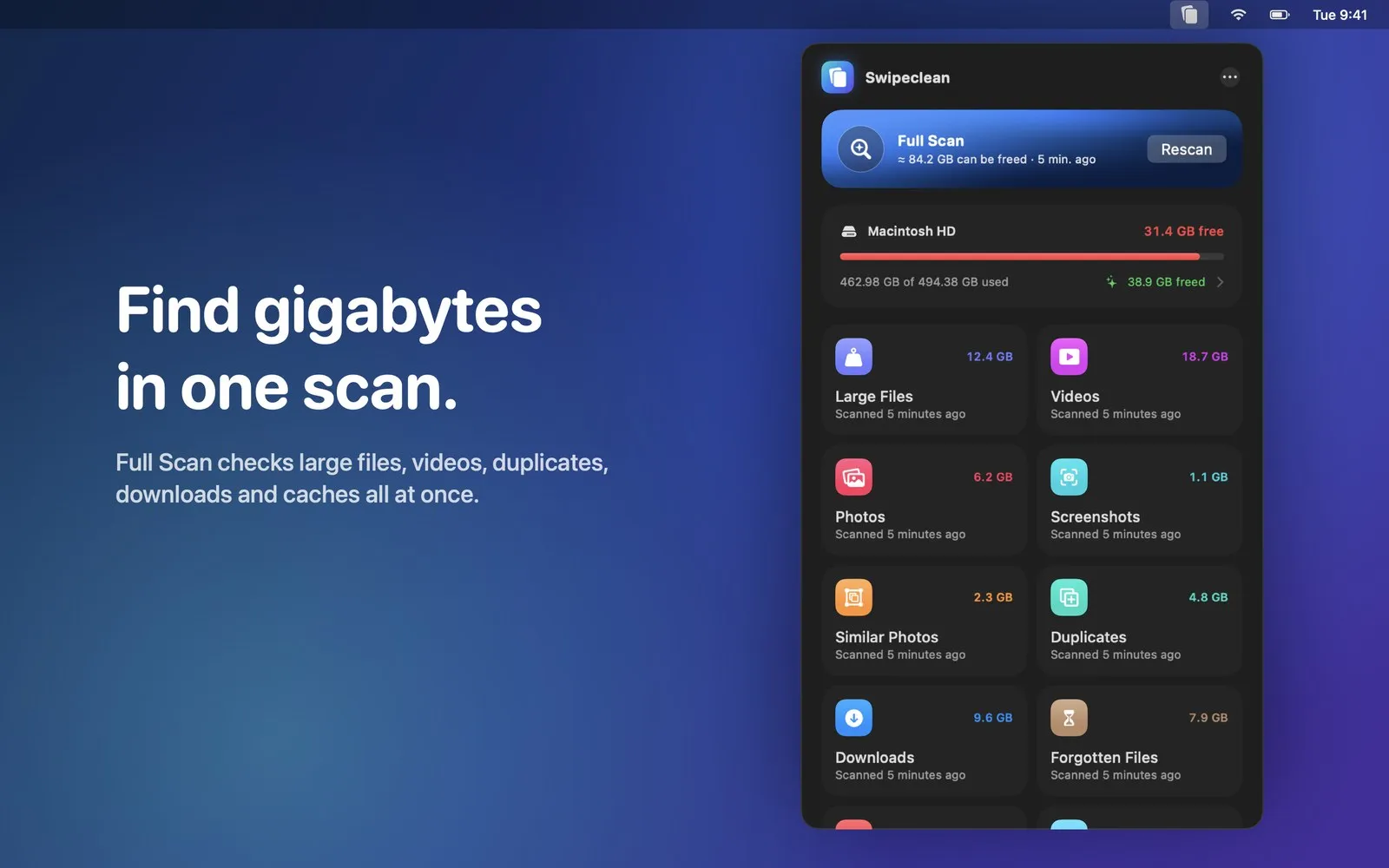
Full Scan
Large files, videos, duplicates, downloads and caches in one pass, with how much you can free.
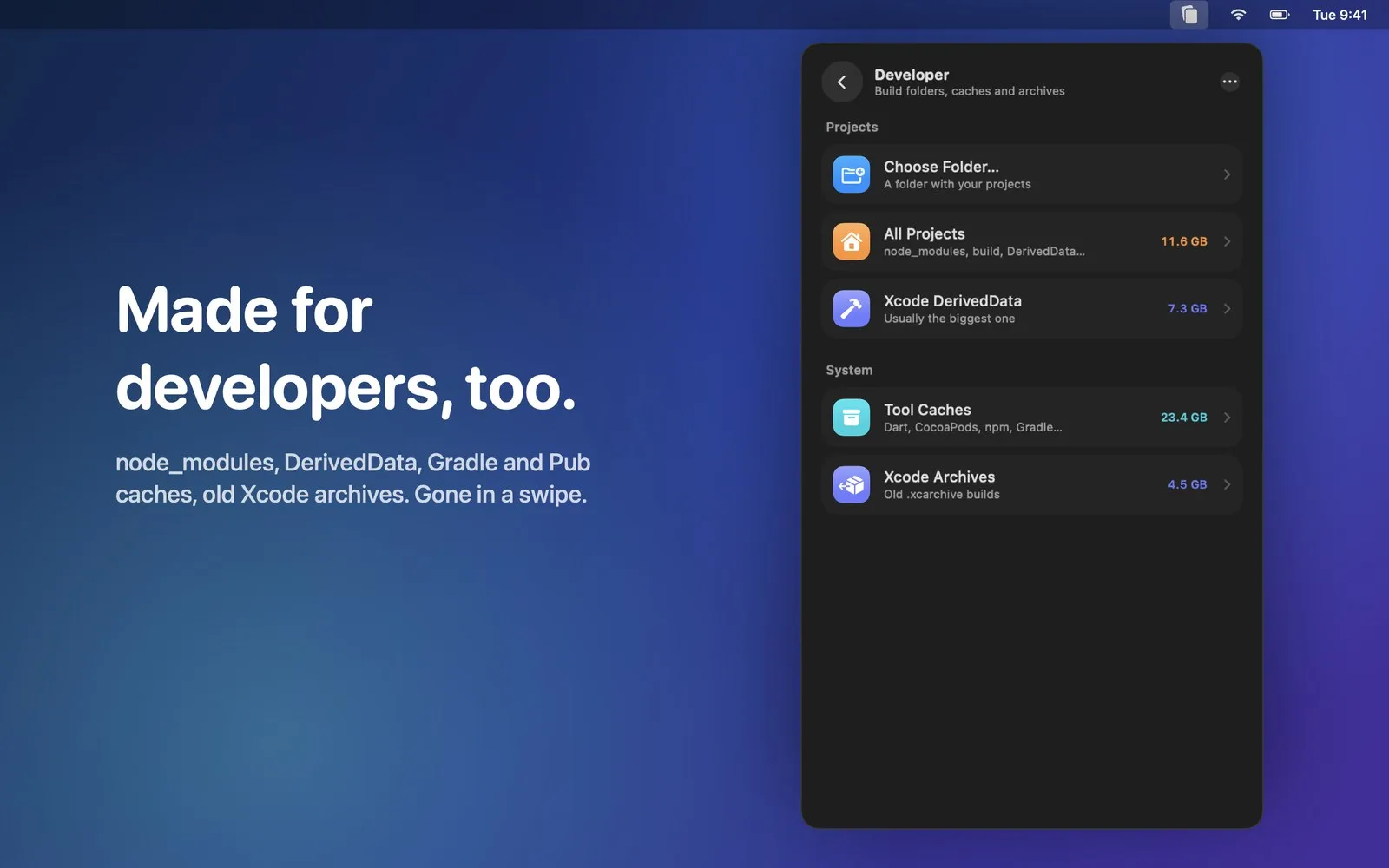
Made for developers
node_modules, build folders, Xcode DerivedData, old archives and package manager caches.
Duplicates and similar photos
Finds identical copies and near-identical shots, matched on your Mac.
Safe by design
Everything goes to the Trash first and ⌘Z undoes it. Kept items never show up again.
Lives in the menu bar
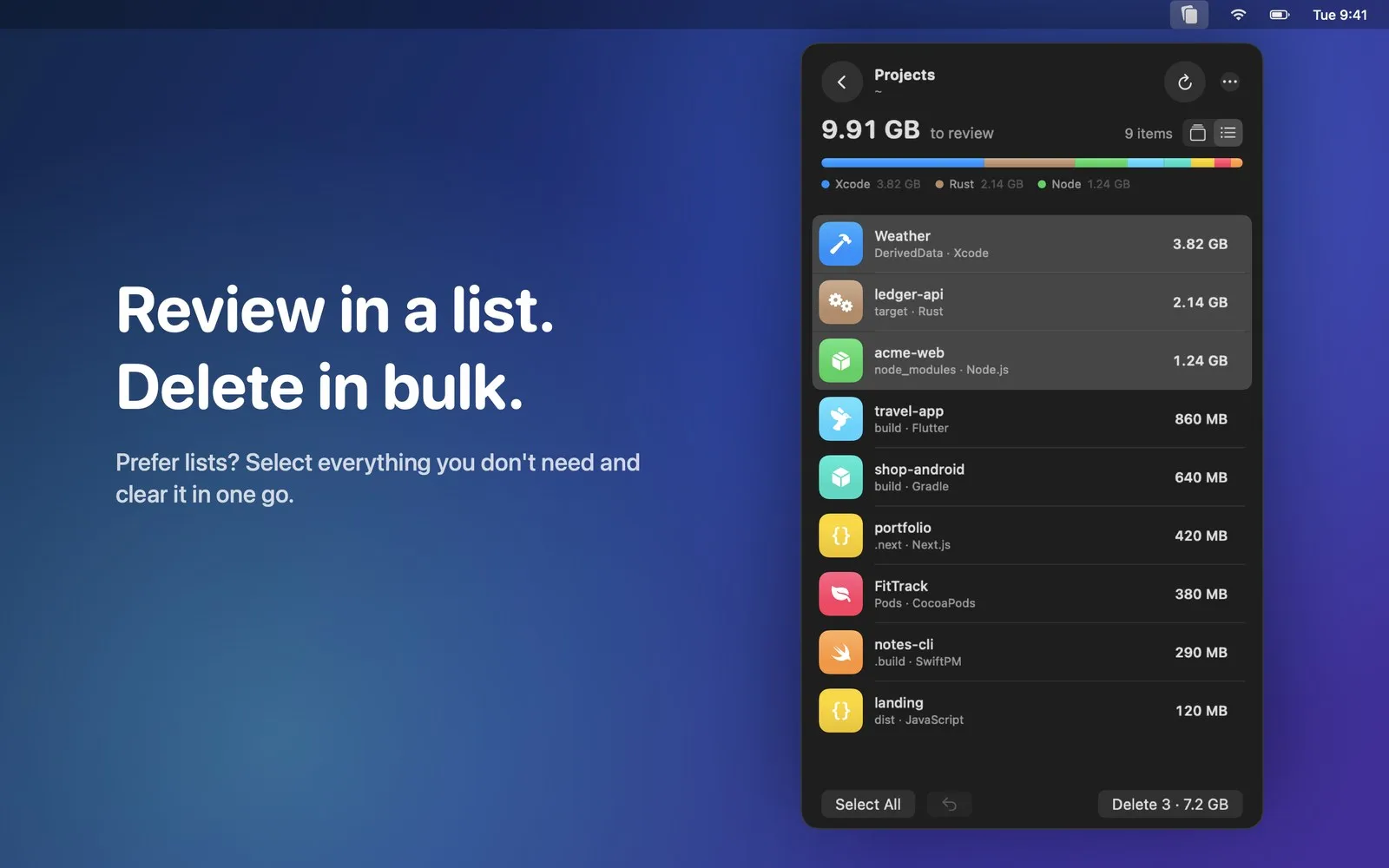
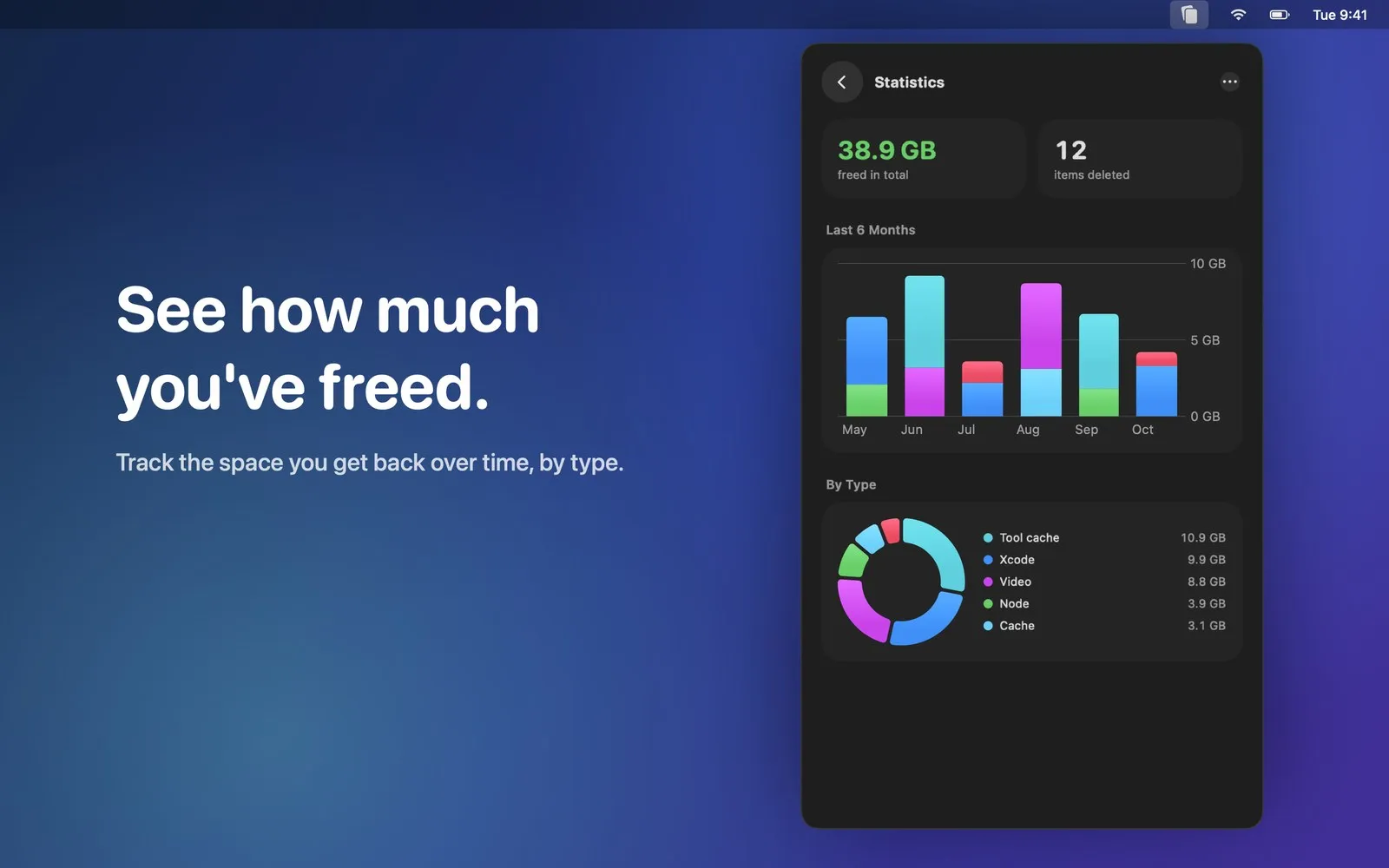
Card or list view, bulk delete, a low-storage alert and stats on the space freed.